Watchlists
We are pleased to announce that Watchlists are now available.
This page allows you to create a virtual portfolio. Multiple watch lists can be created where you can add and remove stocks allowing you to track their price movements.
1. Click into the Ideas tab and select Watchlists.
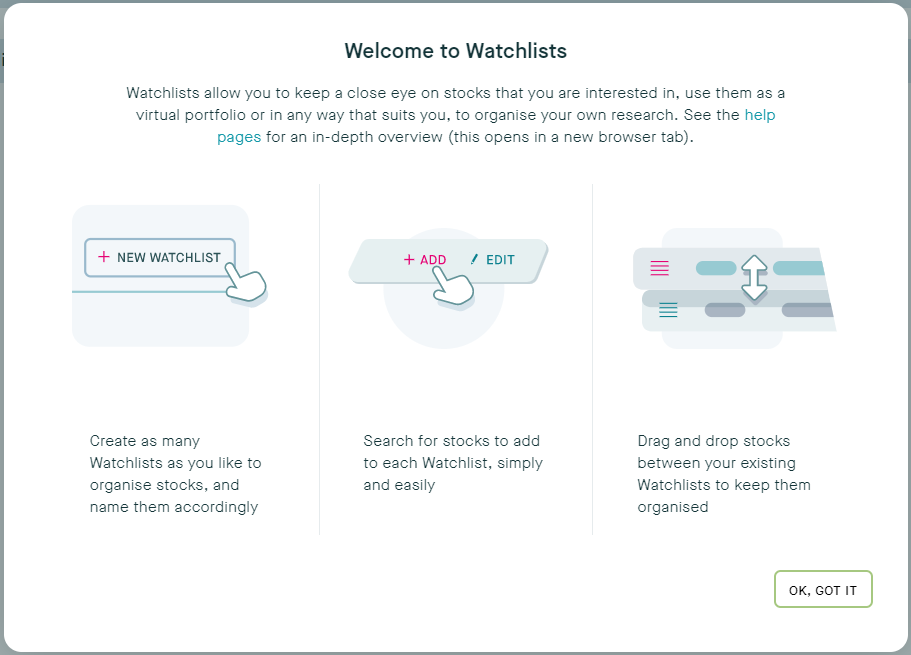
2. Once you have created one or more Watchlists they will appear here. You can name each Watchlist to make it easier to keep track of your various lists.
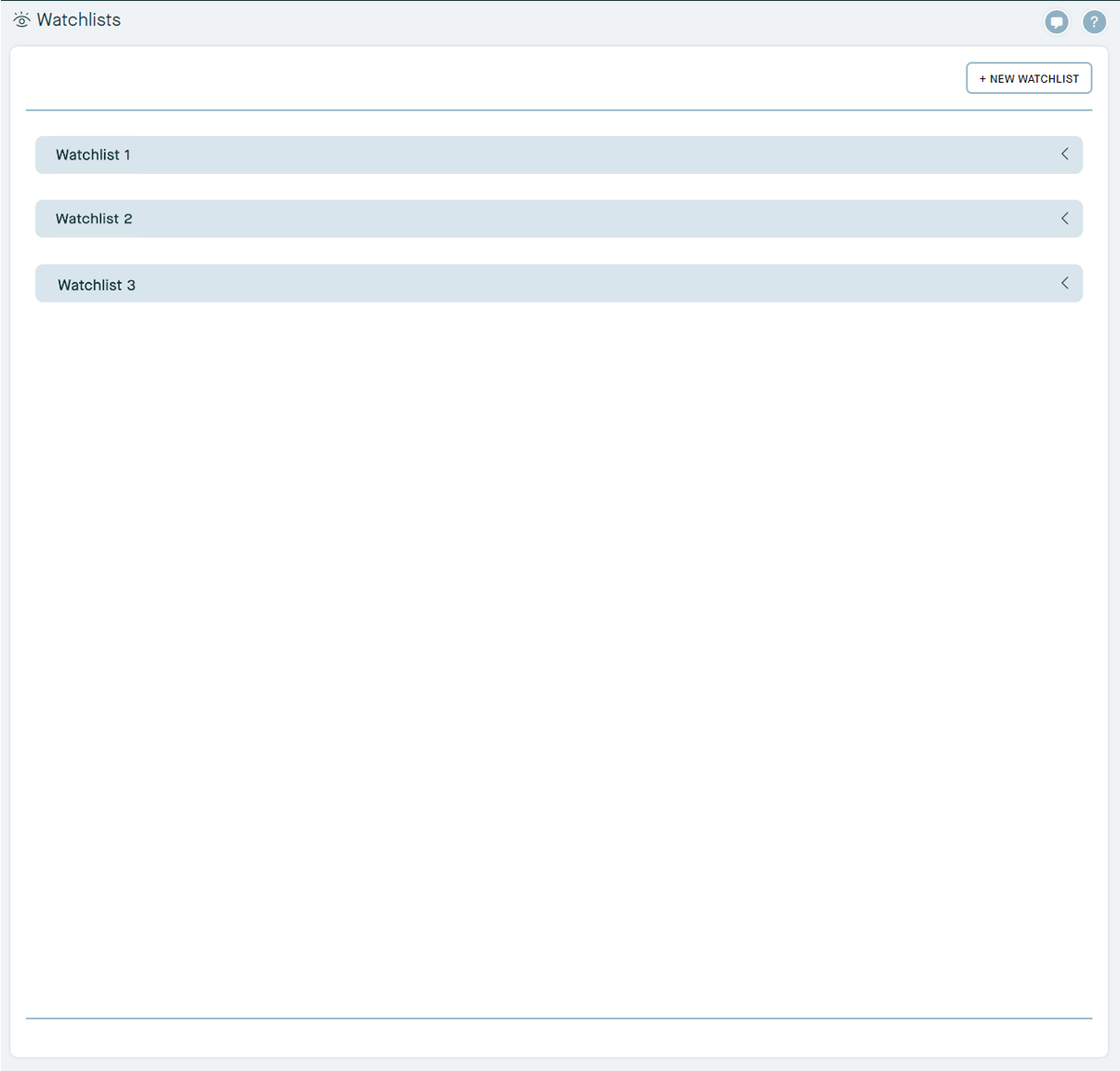
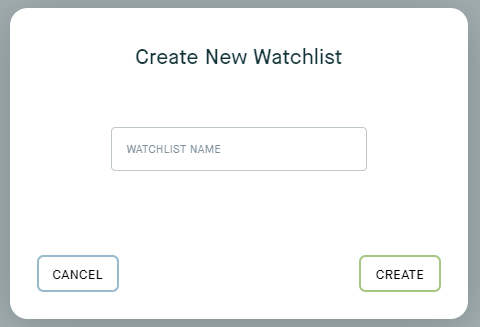
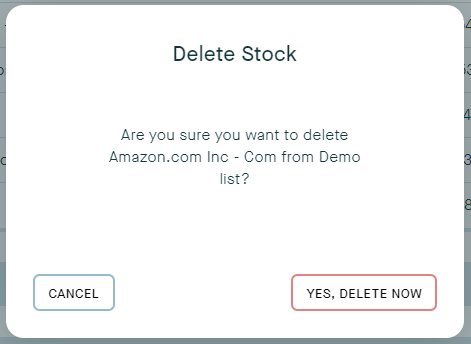
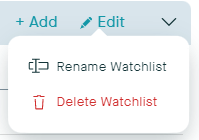
3. Create, edit, or delete a new Watchlist at any time.
4. Click and drag any stock into a different Watchlist if you would like to move an equity or fund
5. Use the Add to Watchlist button when viewing any investment (in the Investments page or in the Research page) to add it to an existing Watchlist.

Making Payments update
We have made a small update to the Account Section > Making Payments to make it easier to find your account reference when you are making a payment.
1. Click on My Account > Making Payments to view your desired account reference.
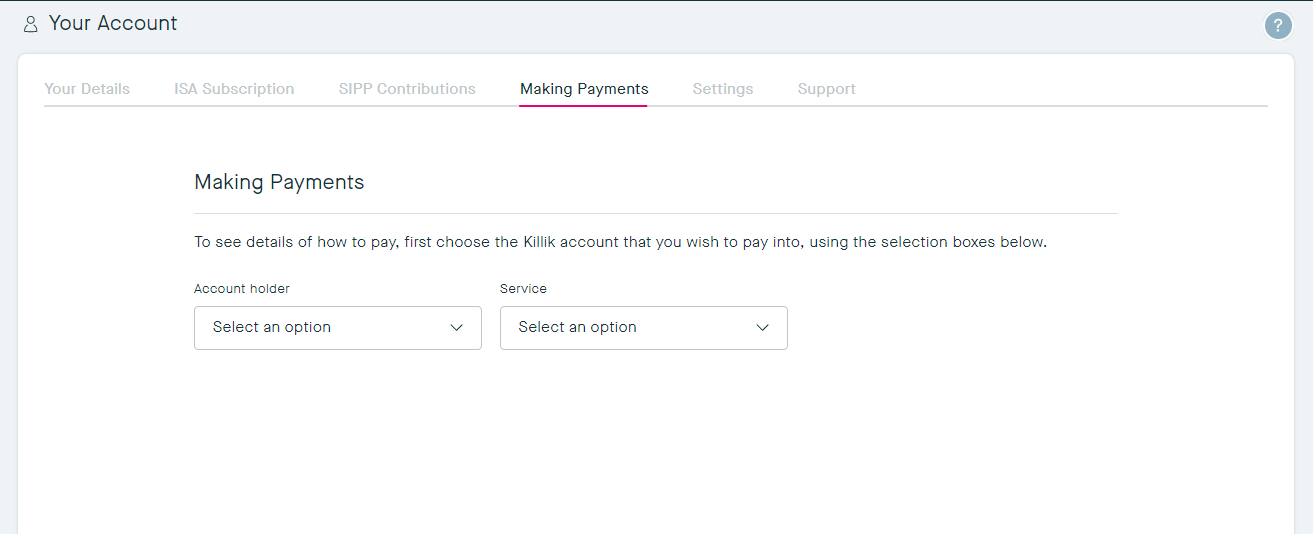
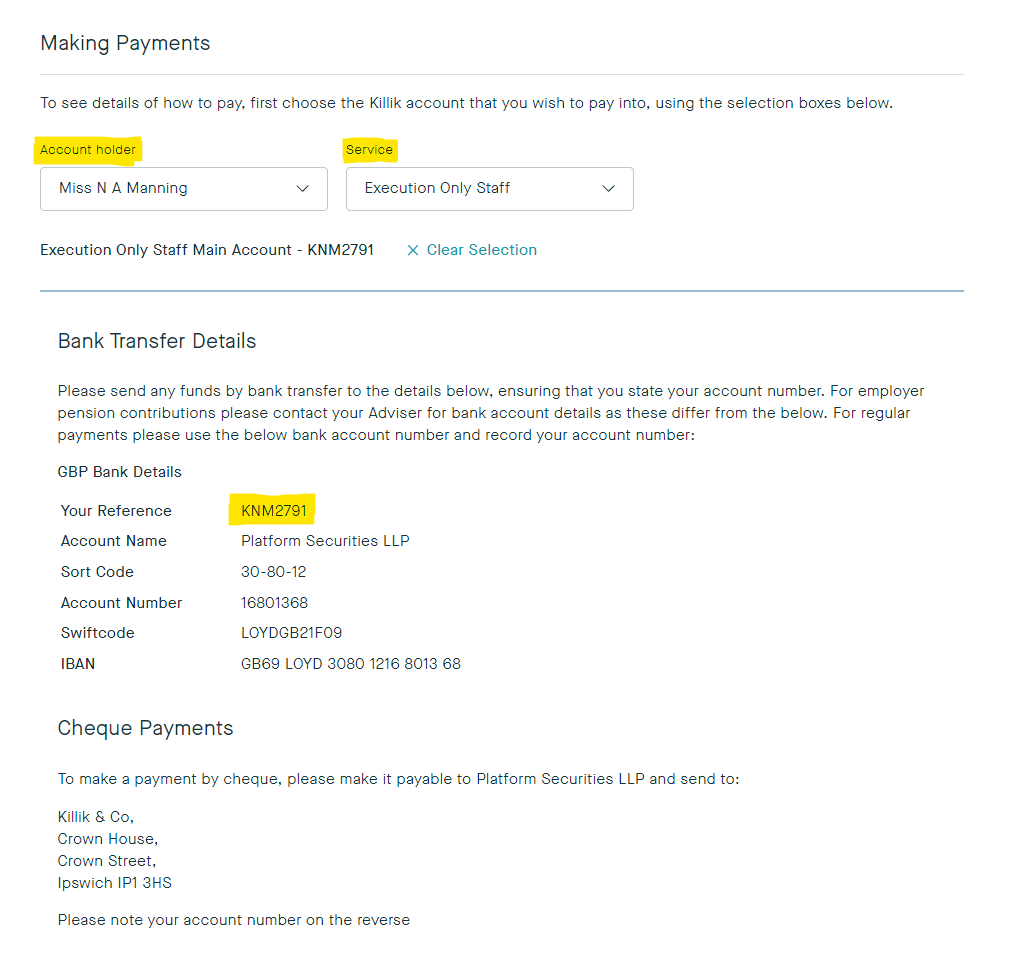
2. You now have the option to choose the Account Holder for which the payment is going into, and the Service that the payment will go to.
The Killik account reference will then be automatically populated for you to include with your cheque or bank transfer.
Disclaimer: please note that Research may not be available on myKillik for all clients. If you are unable to view research within your myKillik account, it is likely restricted due to regulatory provisions.