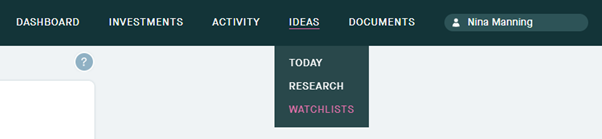
Welcome to the Ideas tab. Clicking on here will give you three options, Today, Research and Watchlists.
The Watchlists page allows you to create a virtual portfolio. Multiple watch lists can be created in which you can add and remove stocks allowing you to track their movements. Any stocks added to your Watchlists will also appear in the “Your Movers” and “Your News” sections on the portfolio page.
1. Click into the Ideas tab and select Watchlists.
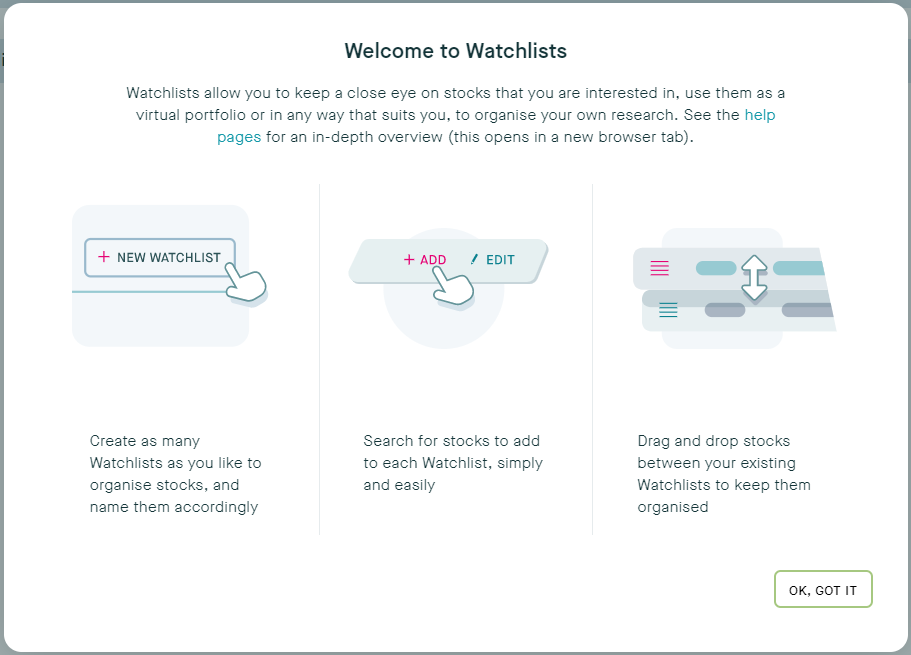
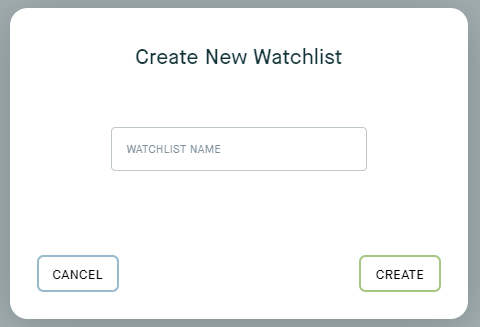
2. Once you have created one or more Watchlists they will appear here. You can name each Watchlist to make it easier to keep track.
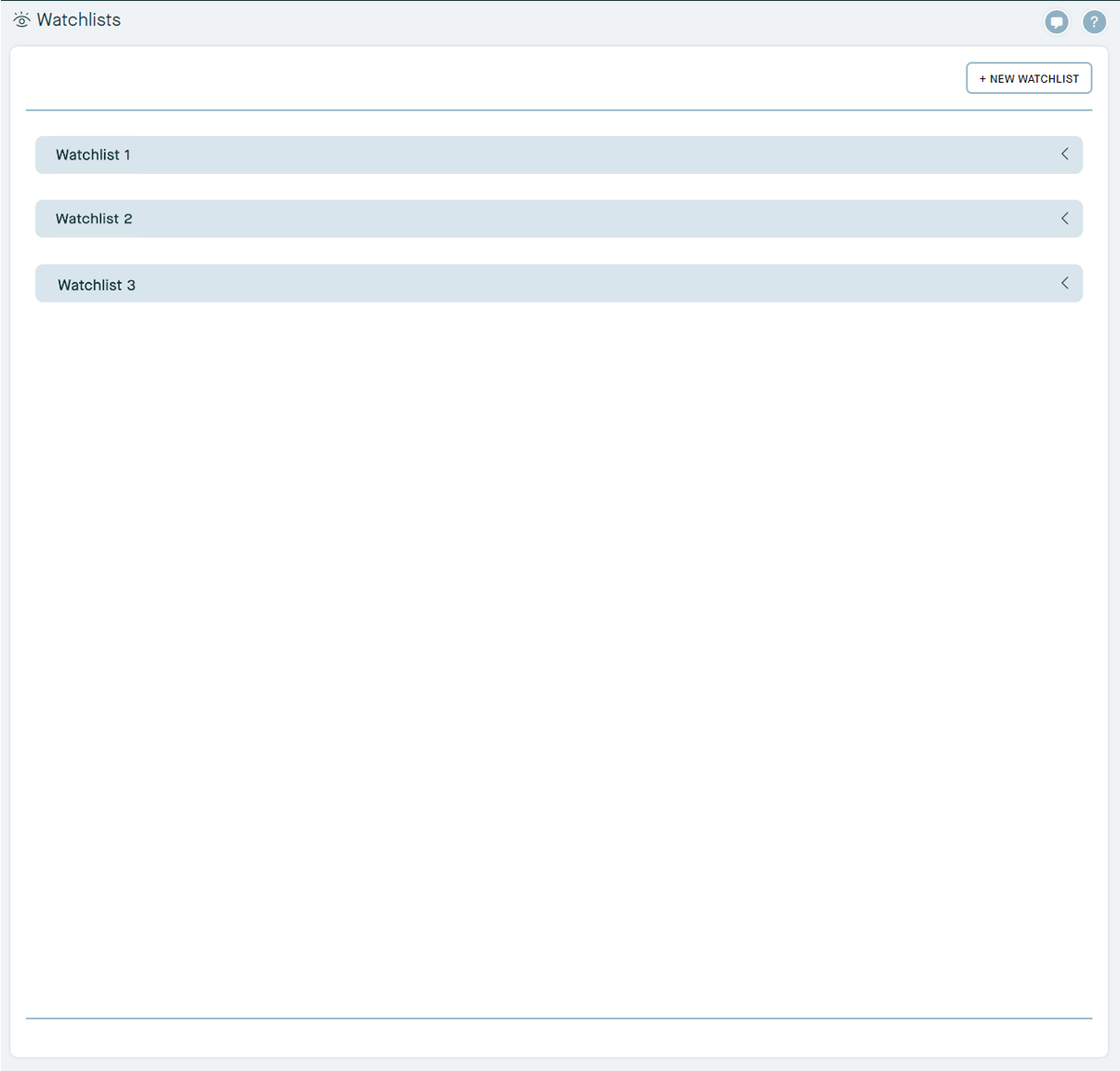
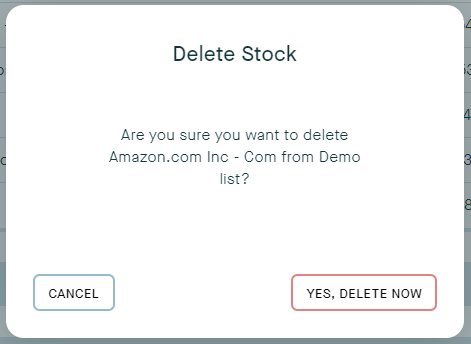
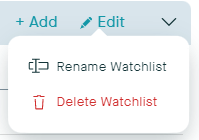
3. Create, edit, or delete a new Watchlist at any time.
4. Click and drag any stock into a different Watchlist if you change your mind about where you want the stock to be
5. Use the Add to Watchlist button when viewing any stock to add it to an existing Watchlist.