Print/Export

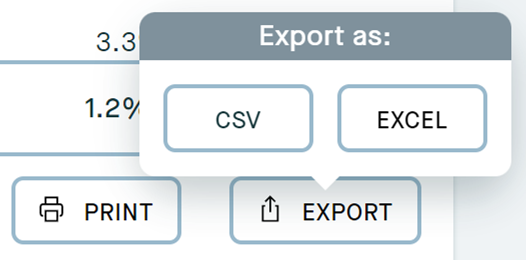
Anywhere you see the above buttons you can click these to either print the page or export it. These are available on the following pages:
- Investments
- Stock transactions
- Cash activity
- Income activity
When you select print you will be presented with the print options for the device you are using. If you would like to export the information instead, selecting Export will give you the option to choose from a CSV or Excel export.
* If you wish to export to PDF, you can do so by using the Print button and simply select Save as Pdf from the drop down menu.
* If you would like to print any of your Documents, simply click on the document to download it, and then print the PDF.