New Research Section
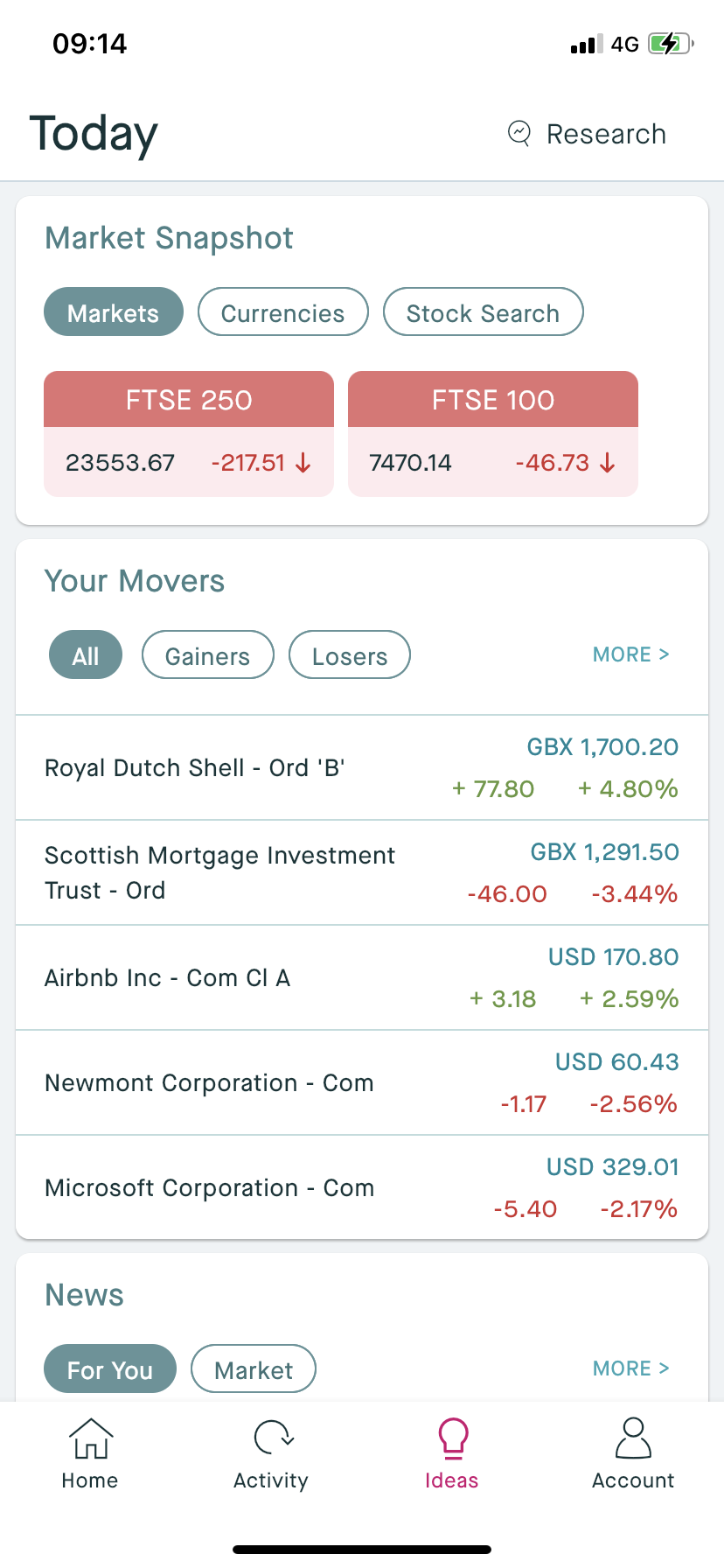
A brand new Research section is now available in the myKillik mobile app. You can access this new section by clicking on "Ideas" and then switching to Research once on the "Today" page (see screenshot).
Browse Killik Covered Equities and Funds
The main page of the Research section allows you browse through equities and funds that are covered by Killik Research and have a "Buy" recommendation.
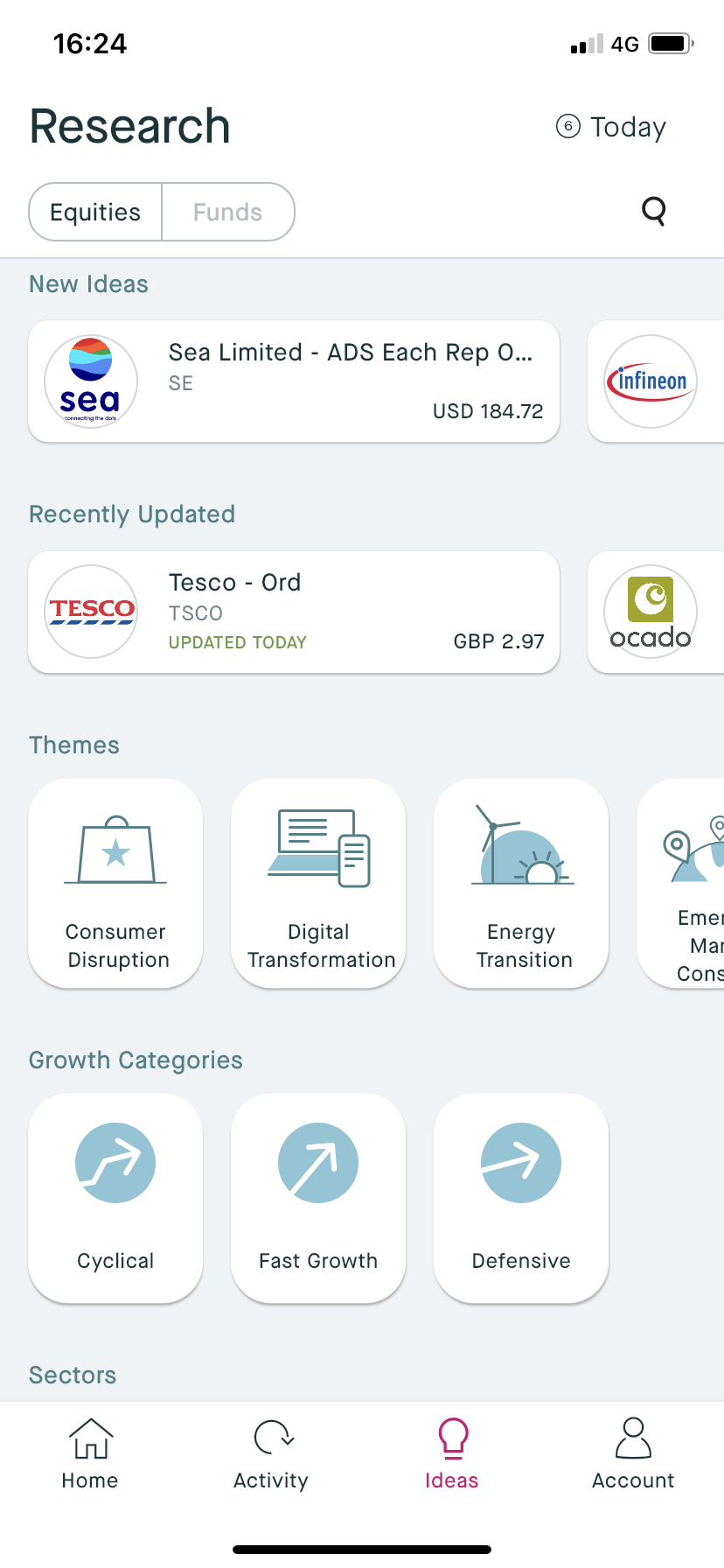
Tap the Equities and Funds tabs in the upper left to choose between the Equity or Fund view (see above screenshot).
Each "Card" on the page represents an equity or fund and can be tapped on to see all the relevant research. The equities also benefit from the company logo, to make them easy to spot.
The cards are sorted into categories and sub-categories. The top two categories showing the New Ideas and those Recently Updated. Within Equities you can also browse by Theme, Growth Category or Sector. Within each of these you can choose a sub-category -tap on a sub-category card to reveal the investments included within that section (see screenshot below).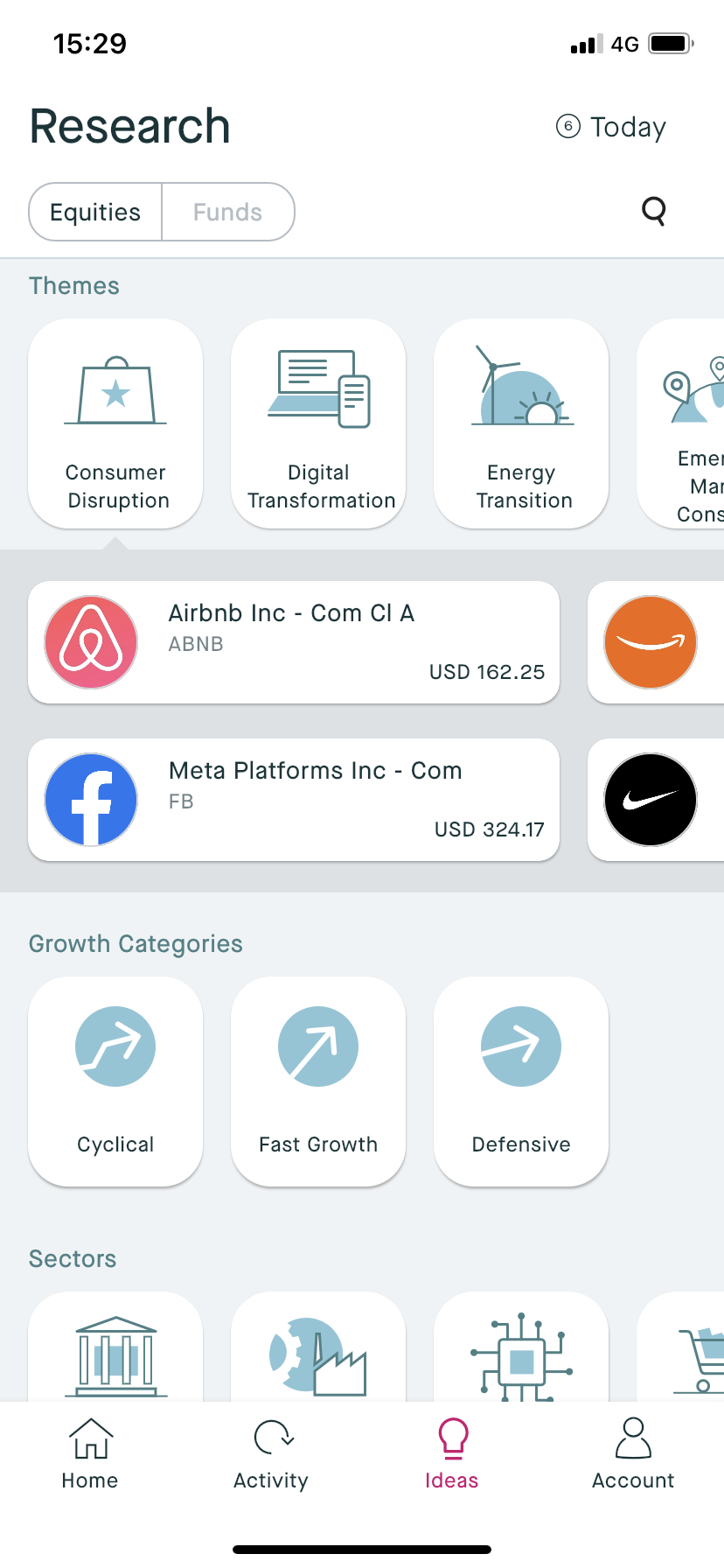
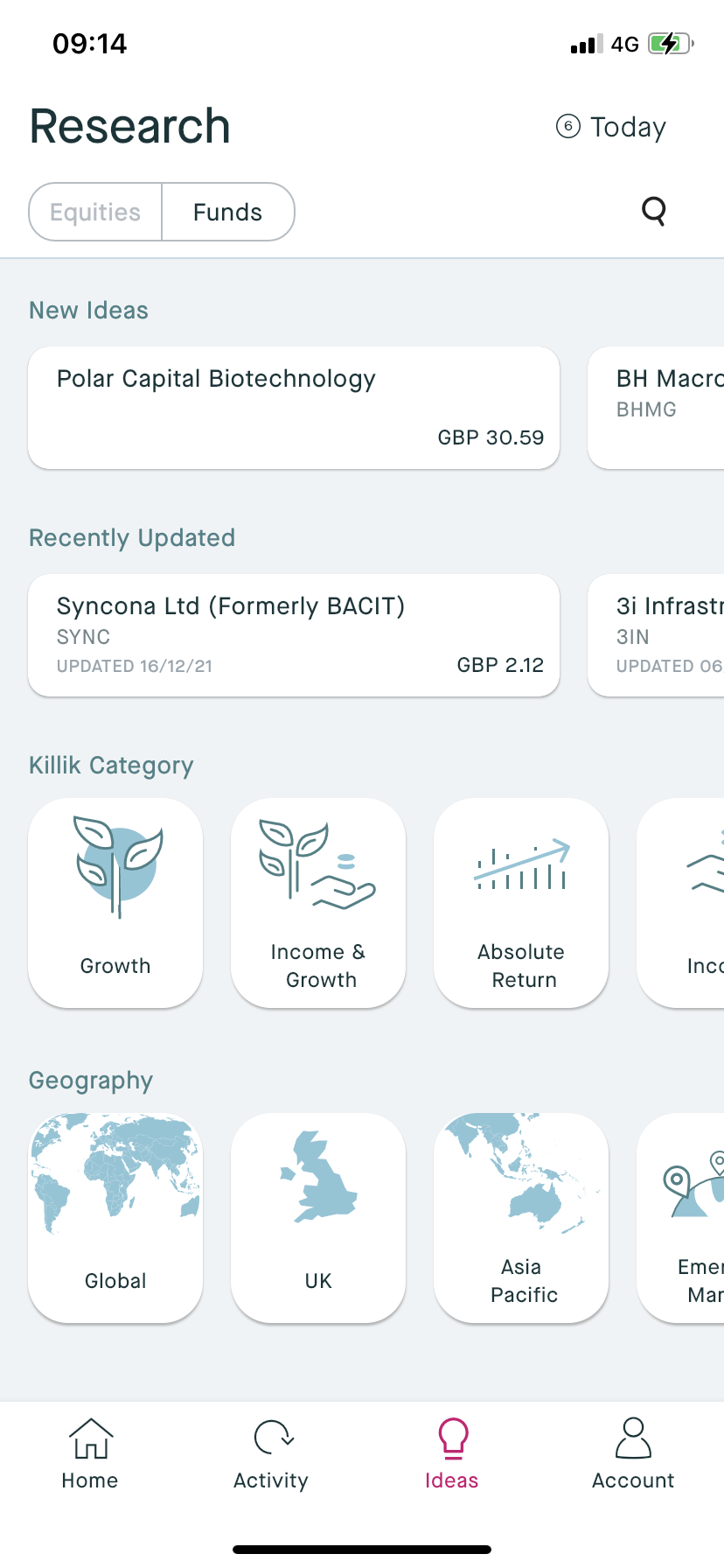
Within Fund Research, the categories are Killik Category and Geography, tap and swipe to view all recommendations within the categories.
Search Killik Covered Equities and Funds
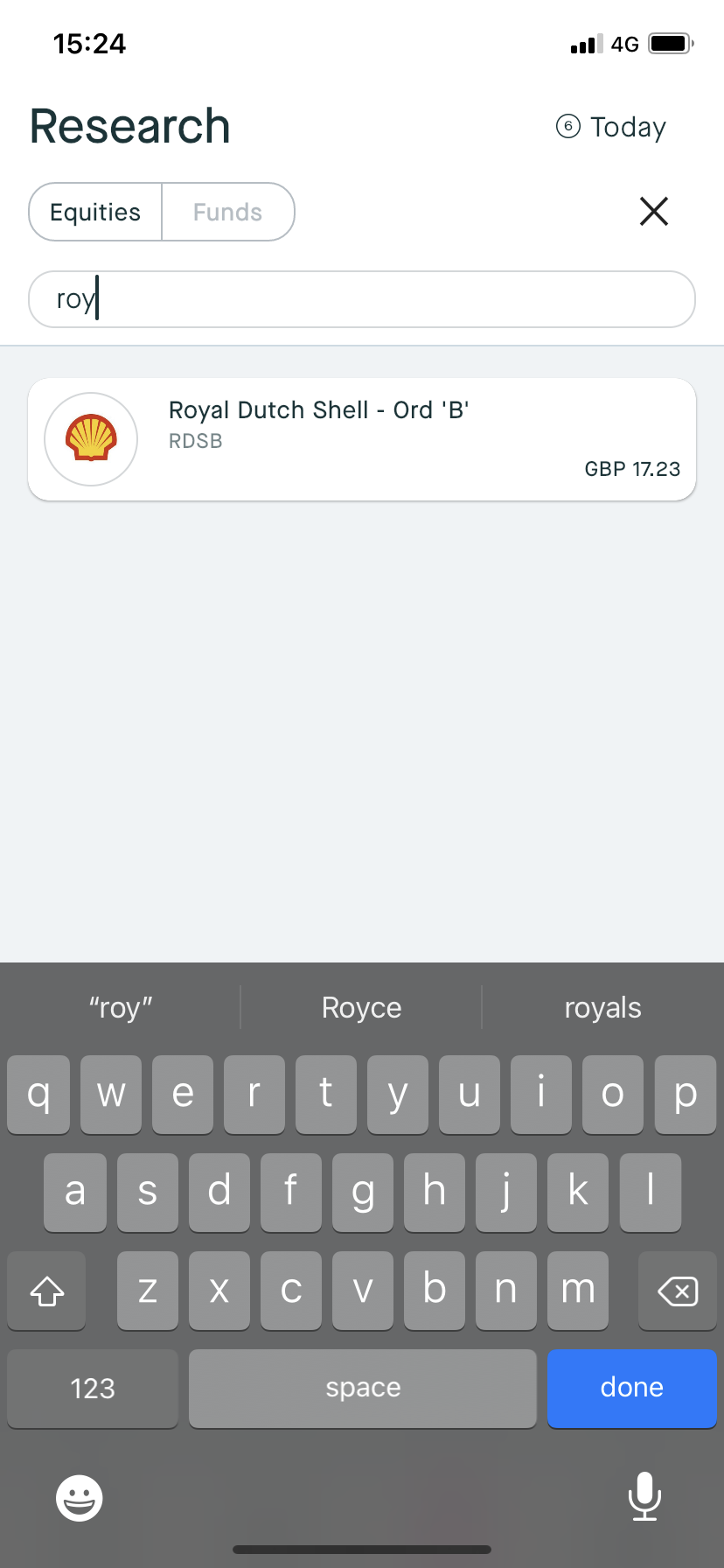
To search for a particular covered equity or fund, choose between Equities or Funds with the upper tabs, then tap on the SEARCH button. From here you can type the name of a stock, company or ticker to find what you are looking for. Tap on the card to open up the research page. Or tap the Cross to exit out of search. Click CLOSE to return to browsing again.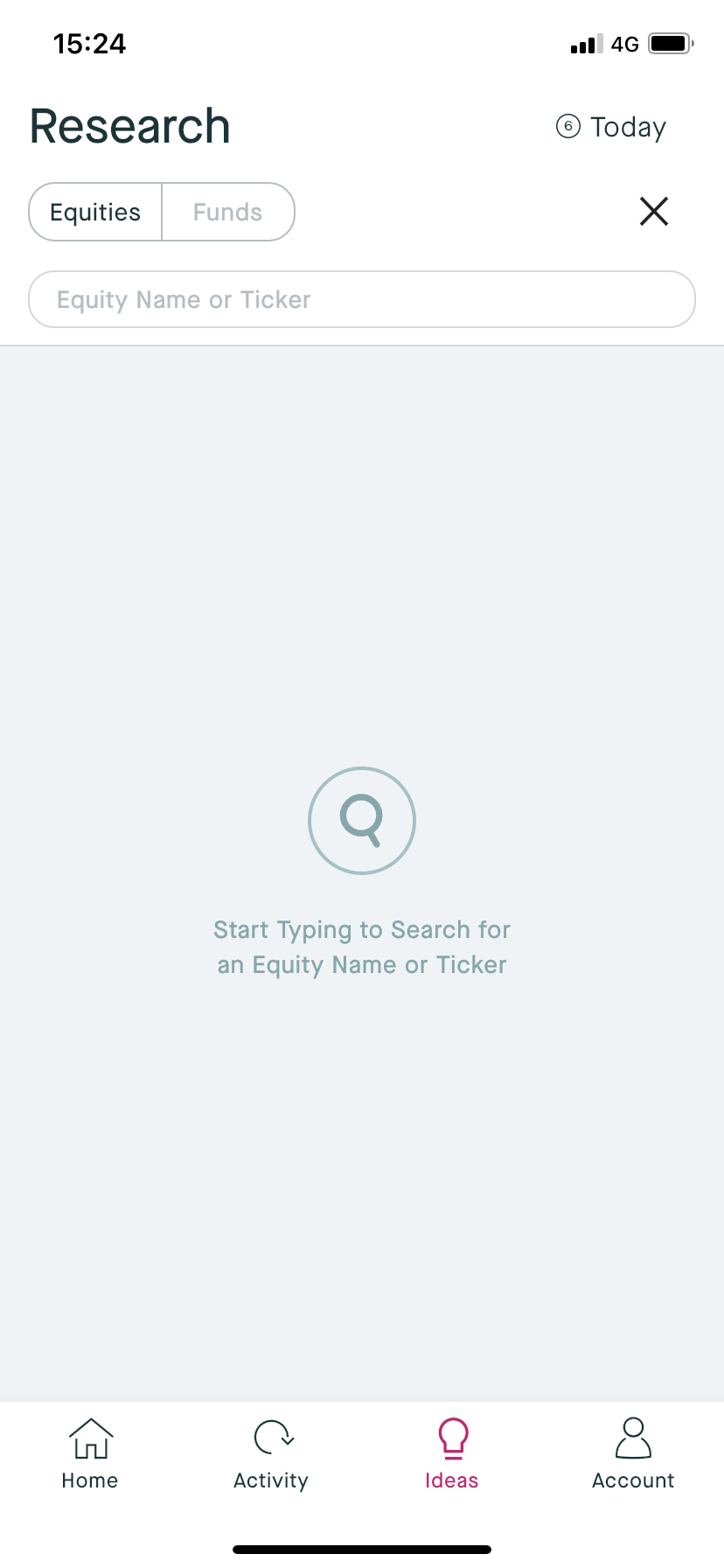
View Stock Details
By tapping on a card you will open up that Research Idea. This will give you all you need to know about our research relating to that equity or fund. Swipe across to view all the Research Info for that equity and tap on Price Chart to view pricing for that equity. To exits out, tap the back button arrow. 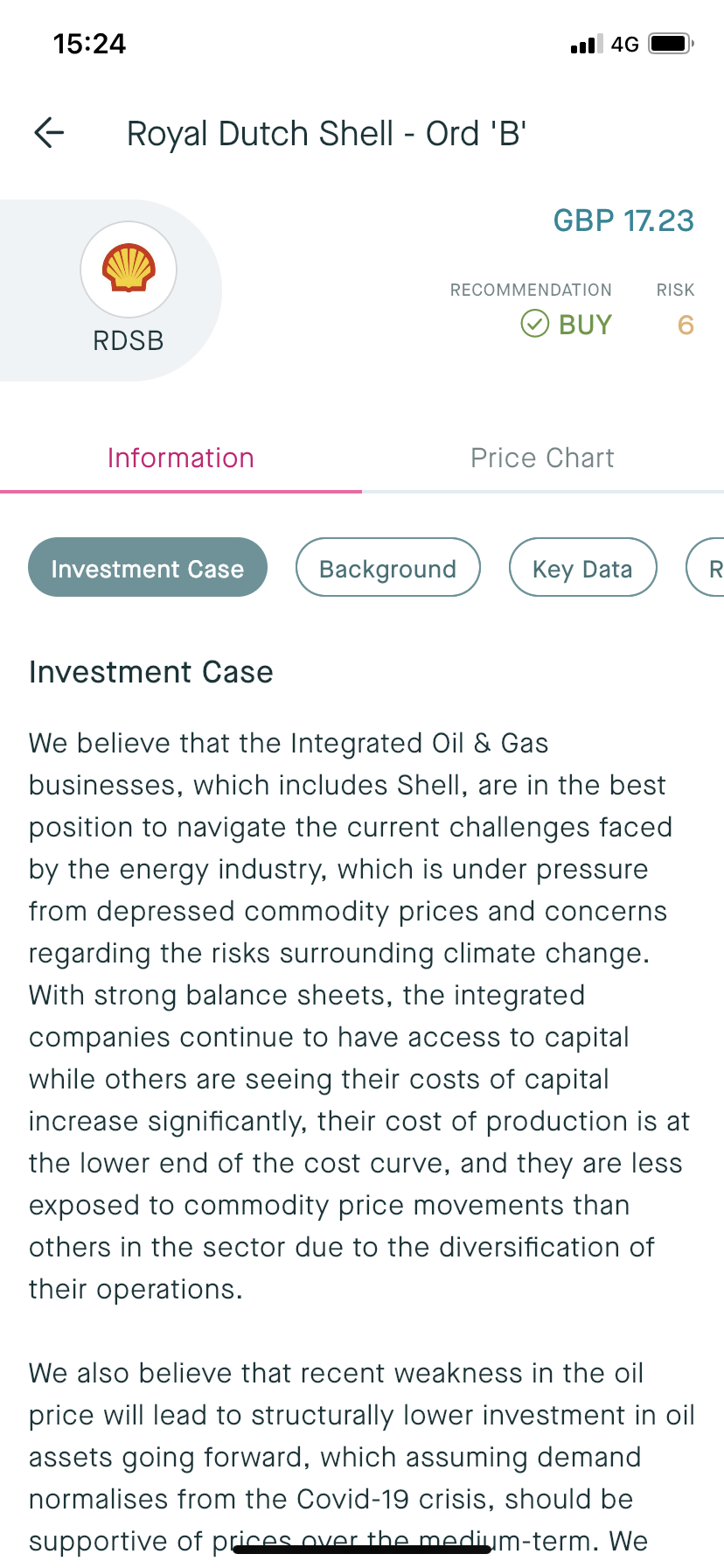
On the Information tab you can choose between viewing the Investment Case, Background, Key Data, Risks, Recent Comments and Research Documents. Select the Key Data tab to see the price chart and other key metrics.
Disclaimer: please note that Research may not be available on myKillik for all clients. If you are unable to view research within your myKillik account, it is likely restricted due to regulatory provisions.