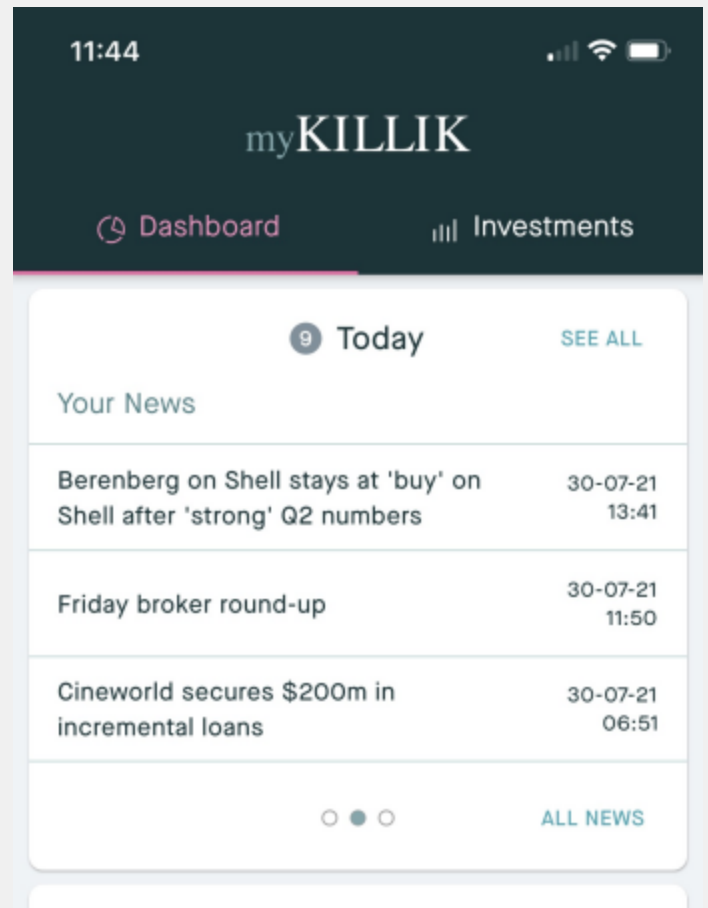
Addition of 'Today' on Dashboard
This brand new feature set on myKillik allows you to view your Movers, Your News, Market Snapshot and Market News. This is accessible from the Dashboard and clicking 'See All' takes you through to detailed information. This section, in its entirety sits underneath the 'Ideas' section of the App.
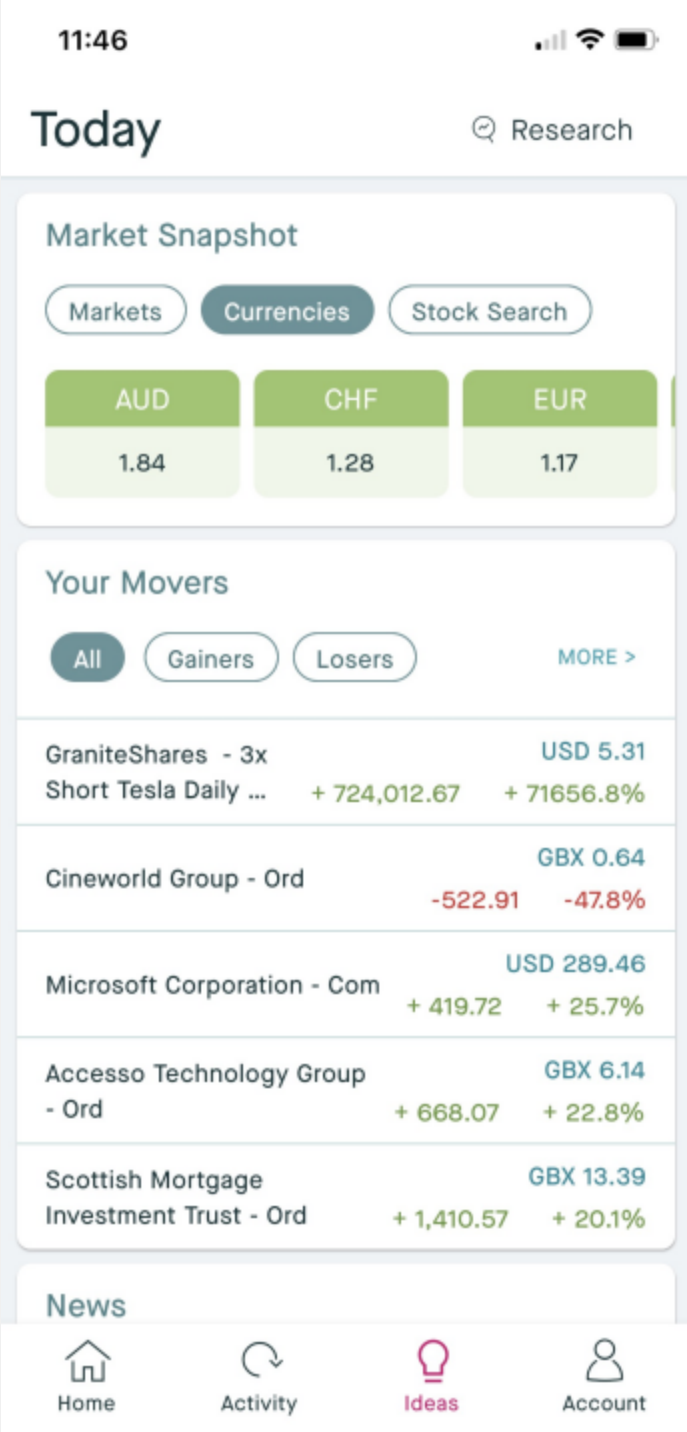
Ideas > Today
See Market Snapshot, Currencies, complete a Stock Search, view all of Your Movers and News in one place.
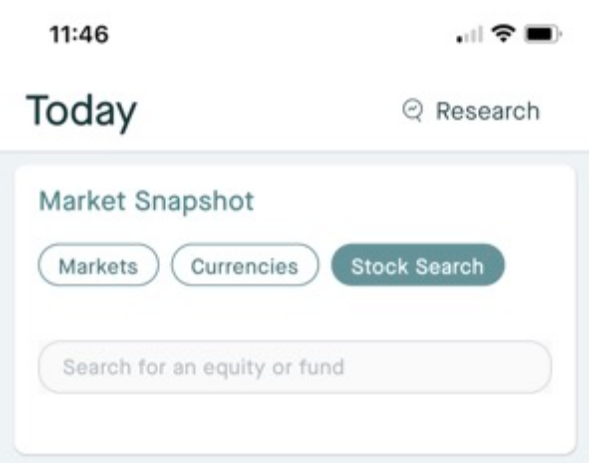
Complete a Stock Search, then click on your chosen Stock or Fund for background information and pricing:
Addition of News to 'Today'
View more News information through 'Ideas' > 'Today'
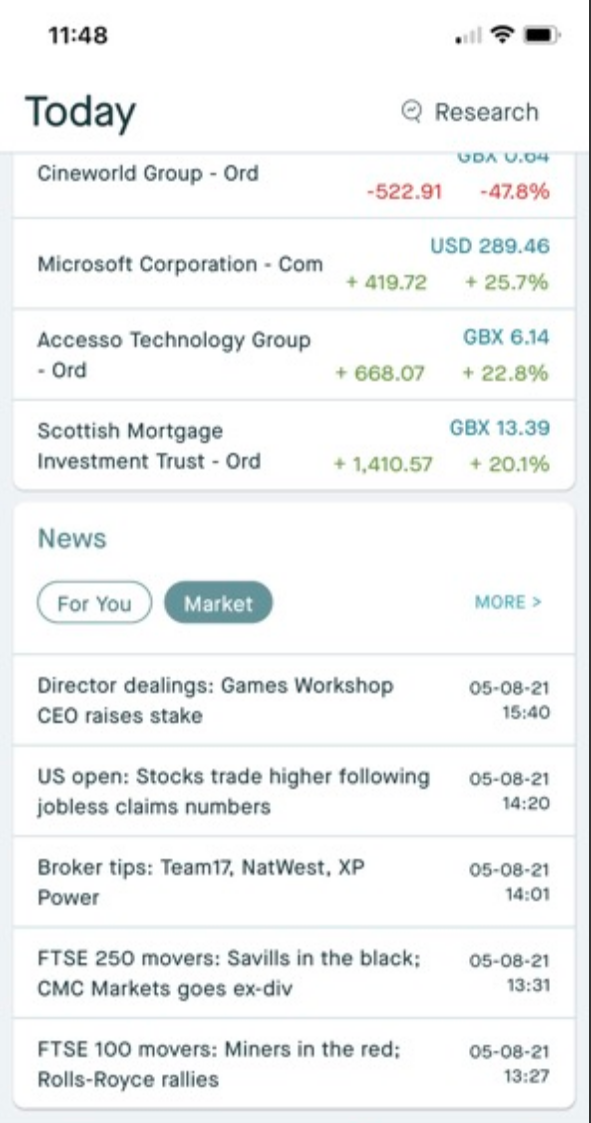
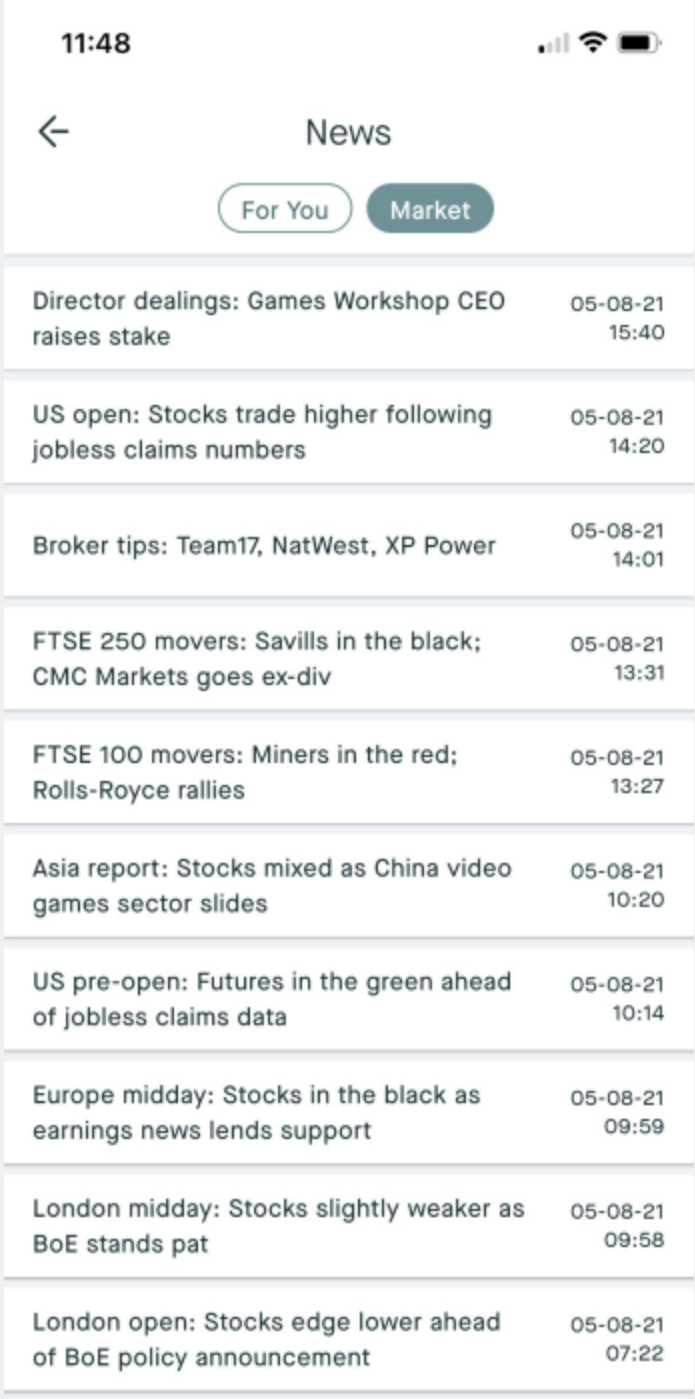
Market News > Today
View Market News Information and sort by Categories, Article, Date & Time:
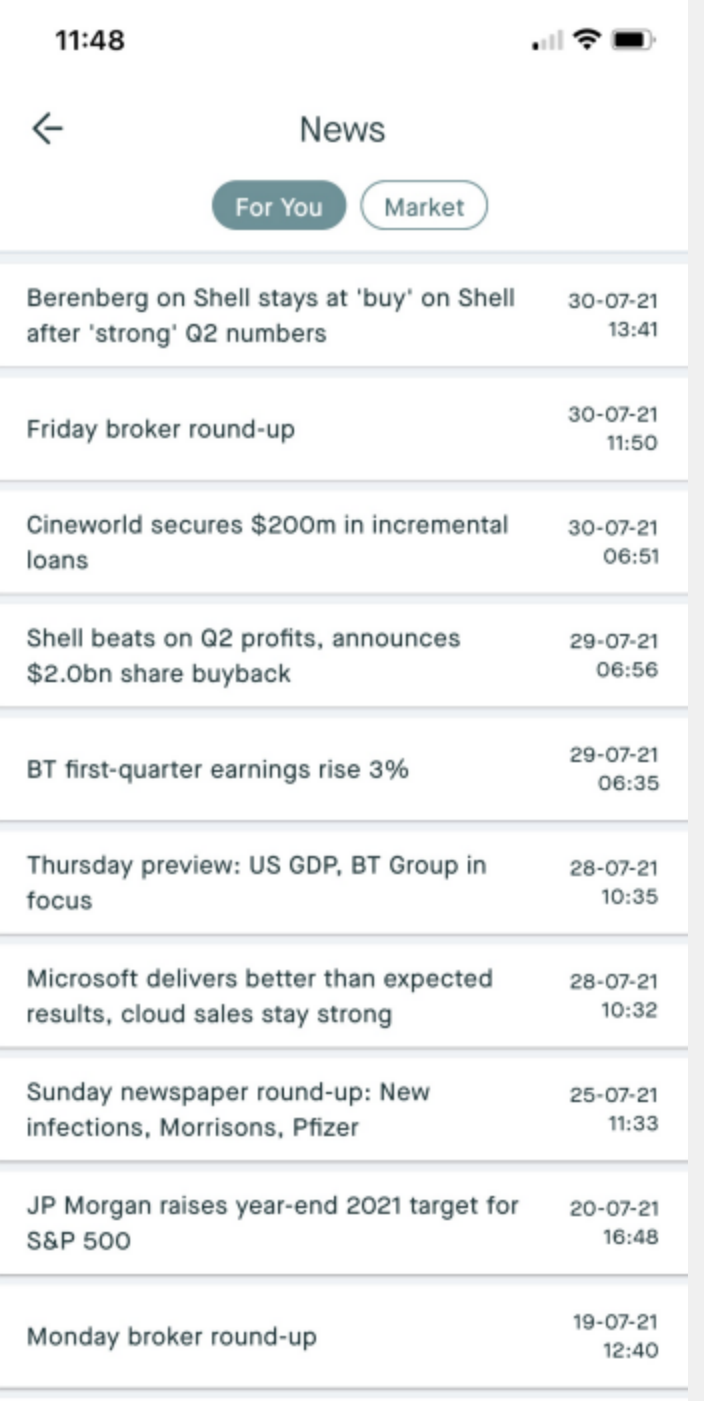
Your News > Today
View Your News information, view News and Date information. Your News is displayed based on your current holdings or by what you have added to a Watchlist (Coming Soon).
Viewing News Article Information
Click on an Article you would like to read to see more information.
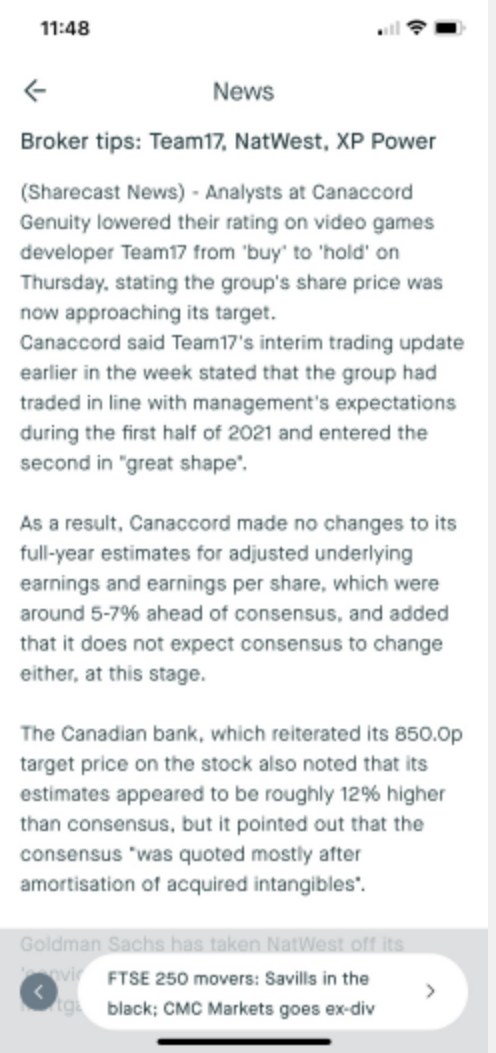
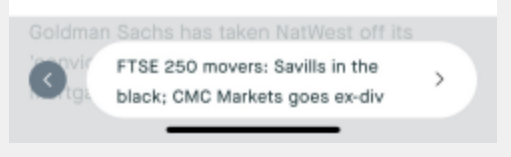
If you would like to easily tab through articles click the arrow in the bottom right hand corner:
Smaller changes:
- Improvements to accessibility so if you are on a Large Print setting, you do not have information hidden
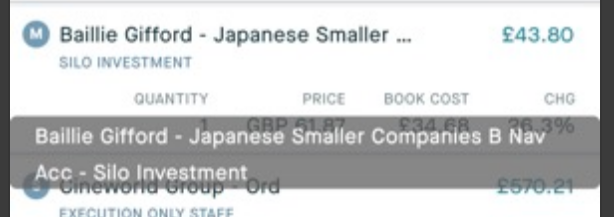
- 'Hold' - improvements to viewing full names of holdings and transaction information by pressing down to see more information. Where ellipsis appears, hold (press down) on the title to see more information